 IGZIG
Paths here and there
You just go. IGZIG remembers.
Download on the App StoreFree · iPhone · iPad · Apple WatchYour photos already know
Even before install, by when and where they were taken.
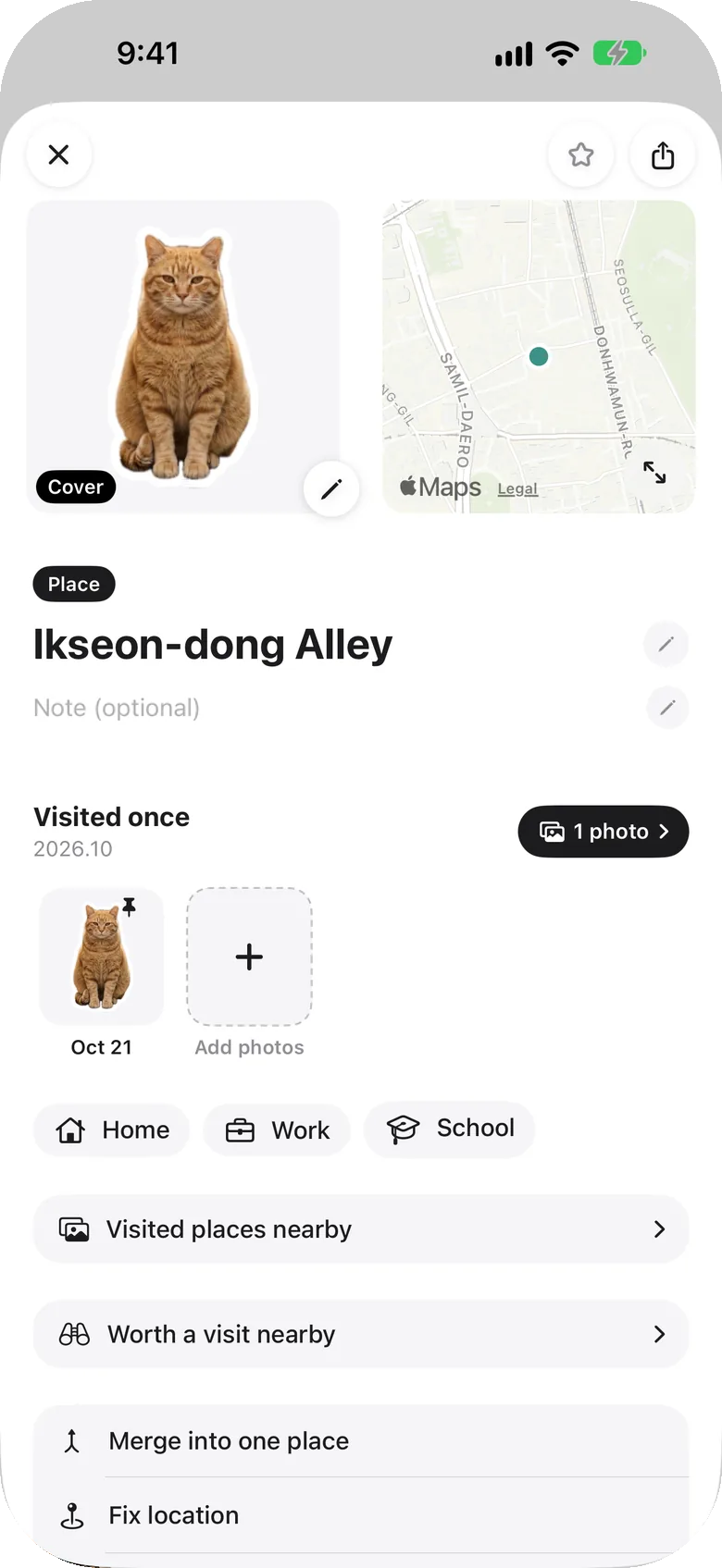
One photo, one sticker
Press and hold — it is cut out and pinned where it happened.
Your day, on a map
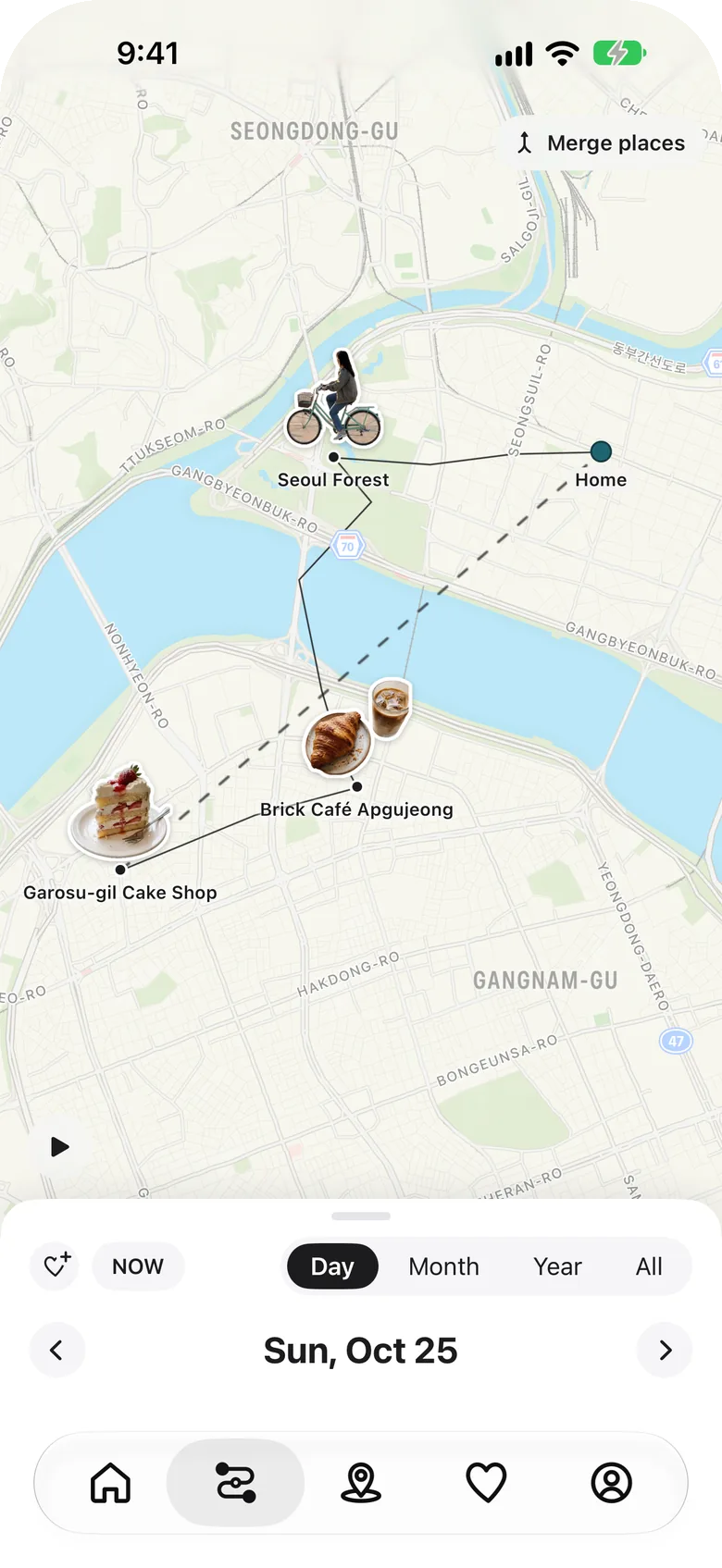
Just go about your day.
Your past trips, mapped
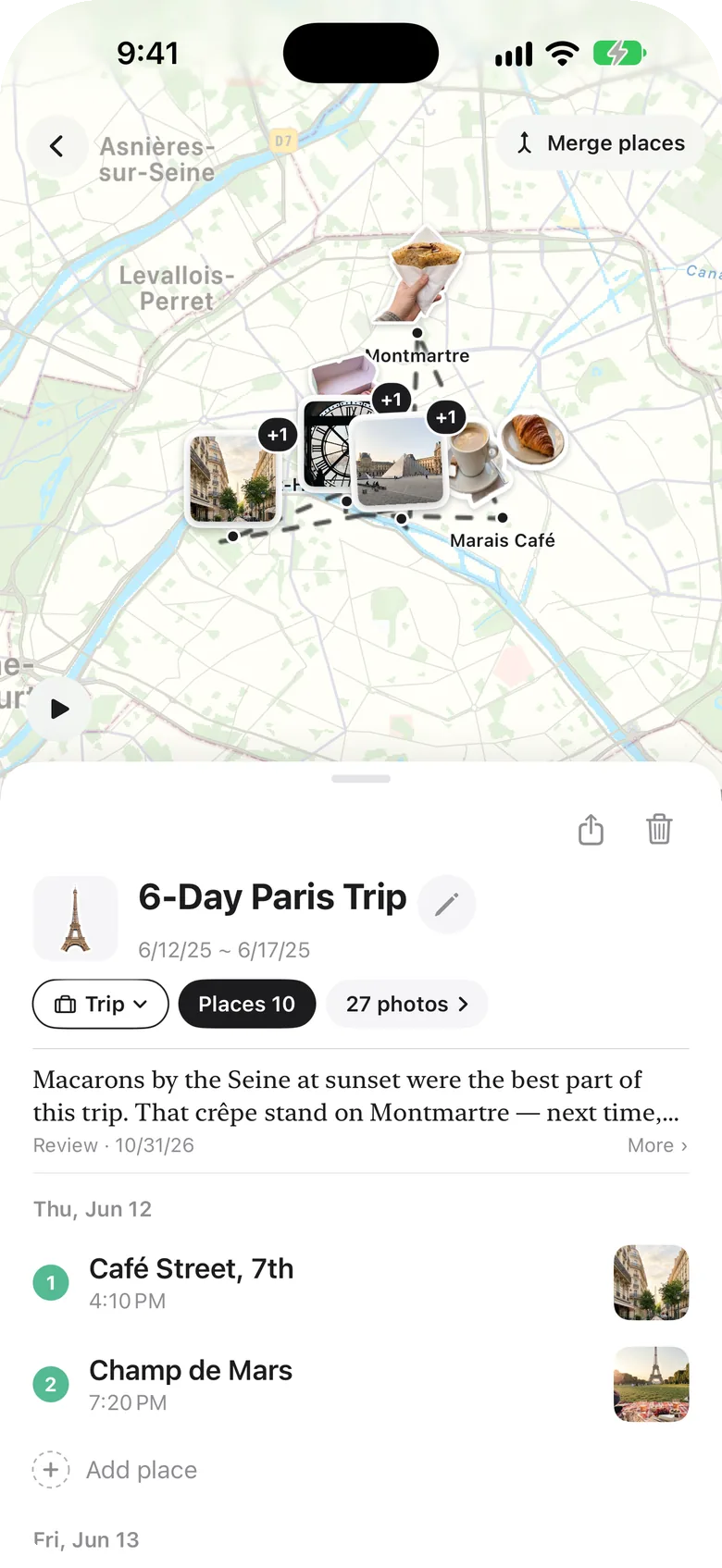
Day-by-day courses, shared as a single card.
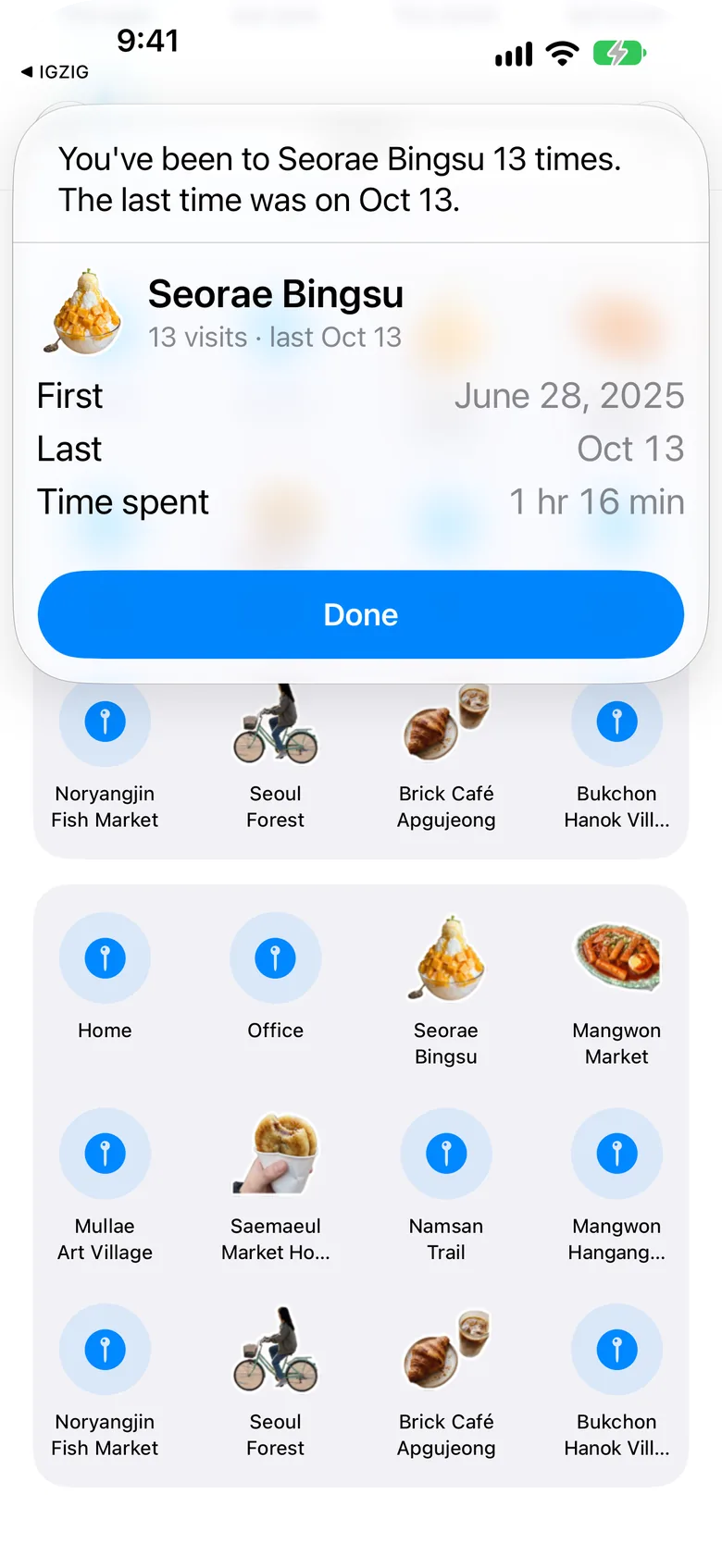
Ask, and the map answers
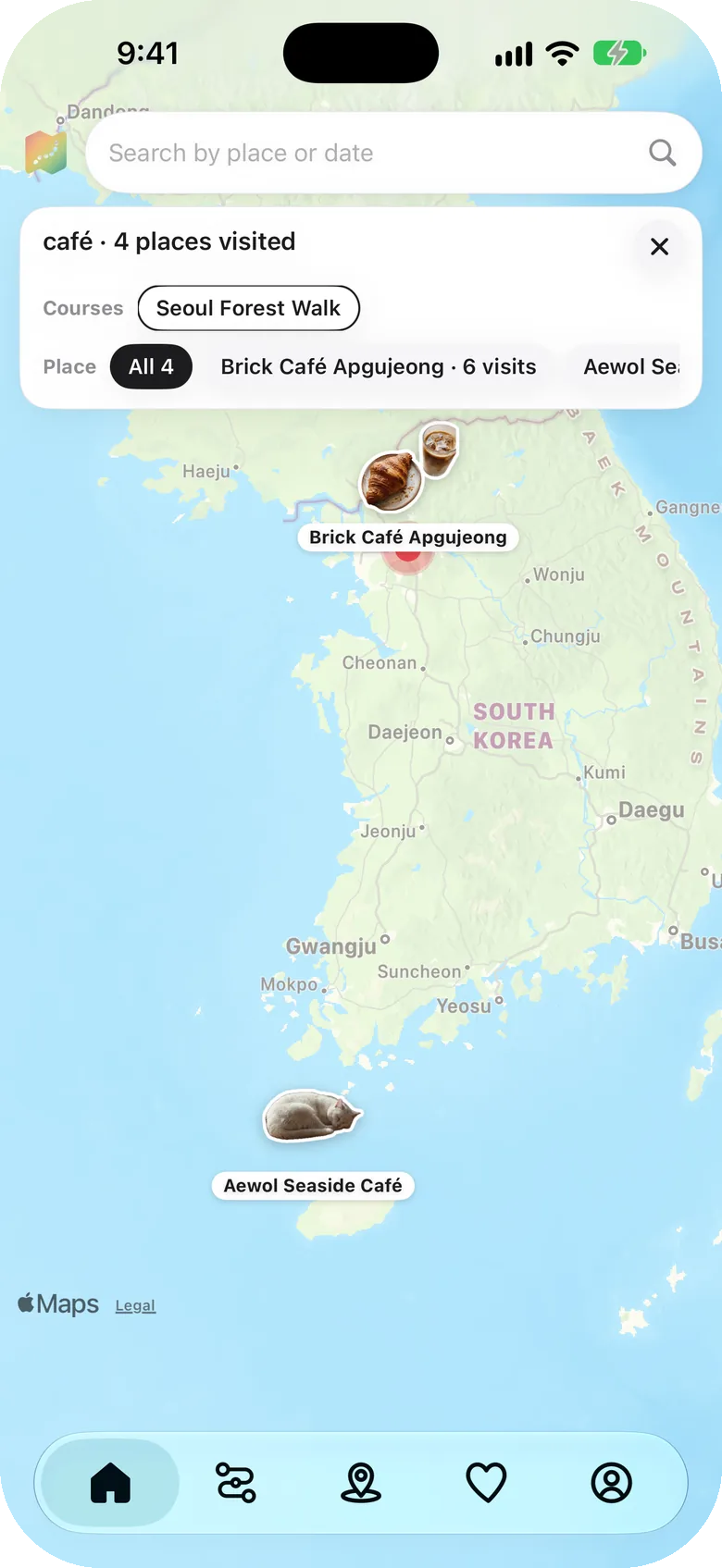
In the search bar, or to Siri.
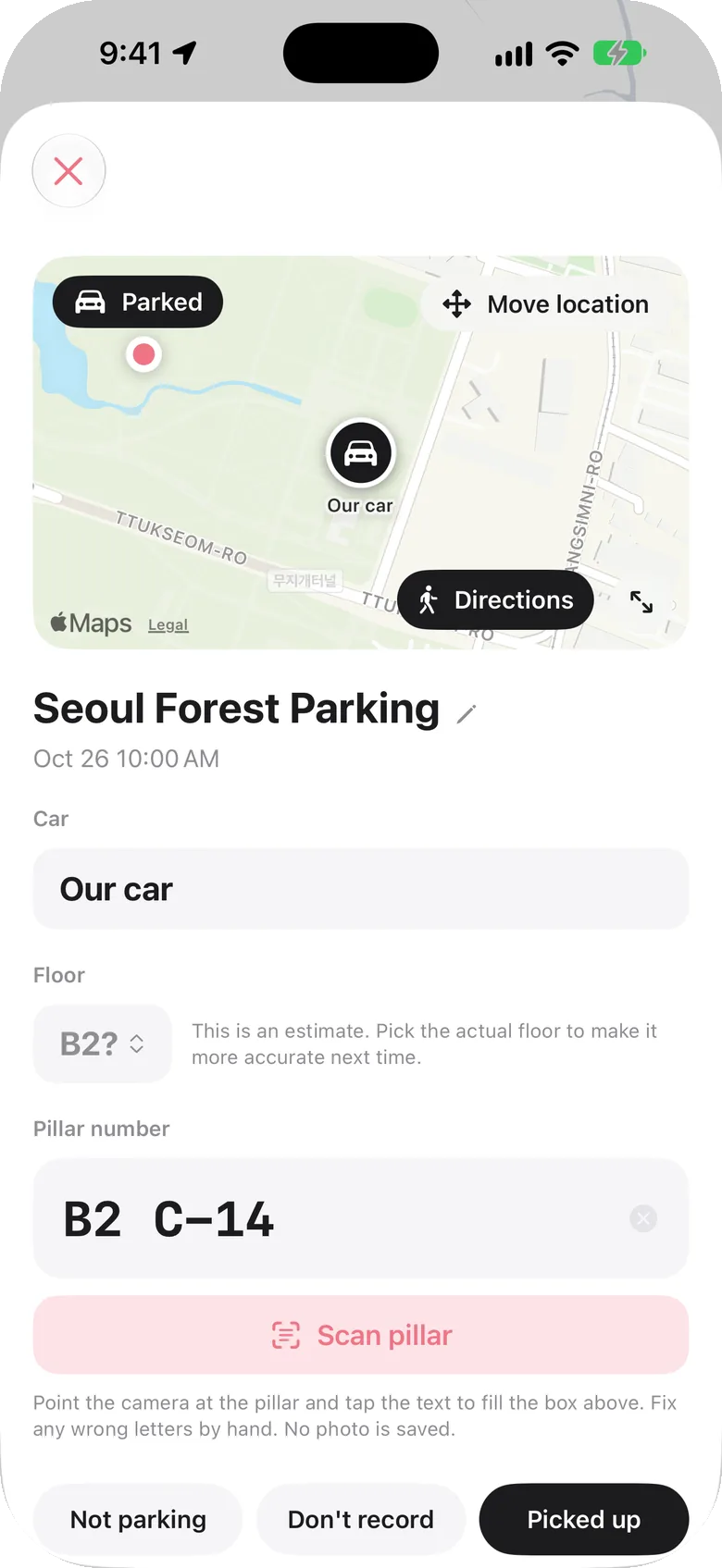
Where you parked, remembered
Floor and pillar, right on Apple Watch.
Your history stays on your device
- No account
- No location on our servers
- No ads, no tracking
FAQ
What is IGZIG?
An iPhone map diary that uses your phone's location to automatically keep the paths you took and the places you stayed. No writing or check-ins: keep it on and look back by day, month or year.
How do I make stickers?
Press and hold a photo and the subject — a cat, a dish — is cut out as a sticker. Pin it to the place where the photo was taken and it shows on the map and in your places; you can also share it as a card. Cutting out happens on your iPhone.
Can it organize places from photos alone?
Yes. IGZIG reads when and where your photos were taken to rebuild the places you stayed, even before you installed it. From afar they show as shaded areas, up close as dots and photos, and wide places like parks can be grouped into one area. Photo files never leave your phone.
What can I ask in the search bar?
Type something like "Take the map to Gangneung" and the map flies there with places worth visiting and the days you went. You can also ask "Where did I go last week" or "When did I go to (place)".
Can I ask Siri?
Yes. Ask things like "Where did I go yesterday in IGZIG" or "When did I go to (place) in IGZIG". Siri answers only on an unlocked iPhone, and if App Lock is on it opens the app instead of answering.
Where is my location history stored?
Only on your iPhone and in your own iCloud. There is no account, and location history is never stored on our servers. iCloud backup is on by default and can be turned off in Settings, and you can erase everything from inside the app.
Does it drain the battery?
It detects motion such as walking or driving and turns GPS on only while you move, and off while you stay in one place.
Is there an Android version?
Not yet. IGZIG is for iPhone (iOS) and Apple Watch.